Extension
The AgentTeams VS Code extension shows plans, completion reports, post-mortems, and conventions without leaving the editor. It reads the local workspace’s CLI configuration, so initialize the repository with the CLI first.
Prerequisite
Run CLI initialization once in the workspace root (or a parent directory) to create the .agentteams/ configuration.
agentteams initThe extension reads this configuration automatically, so there is no separate sign-in in VS Code. If no configuration is found, run AgentTeams: Init from the Command Palette for guidance.
Sidebar views
The AgentTeams Activity Bar container includes these views:
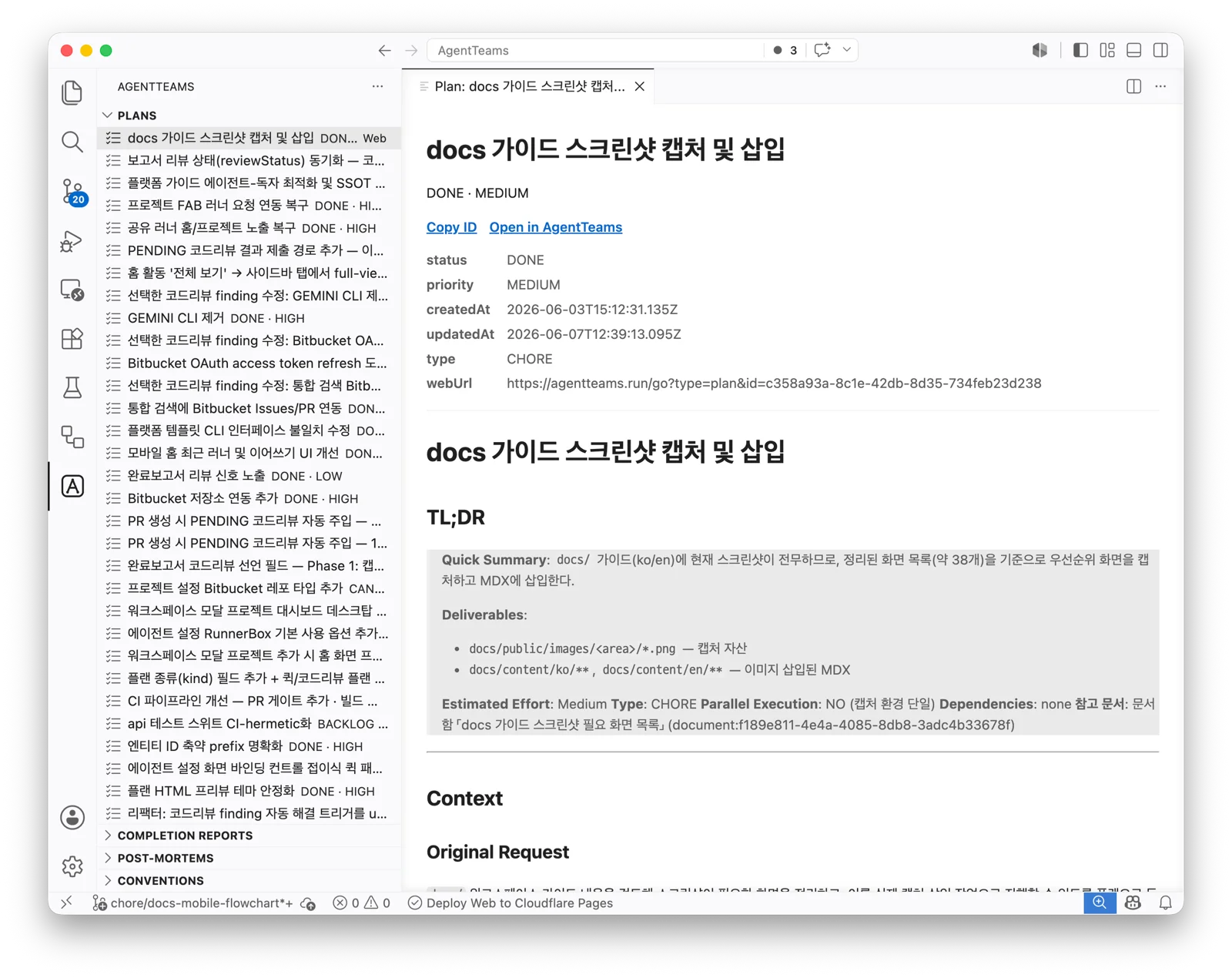
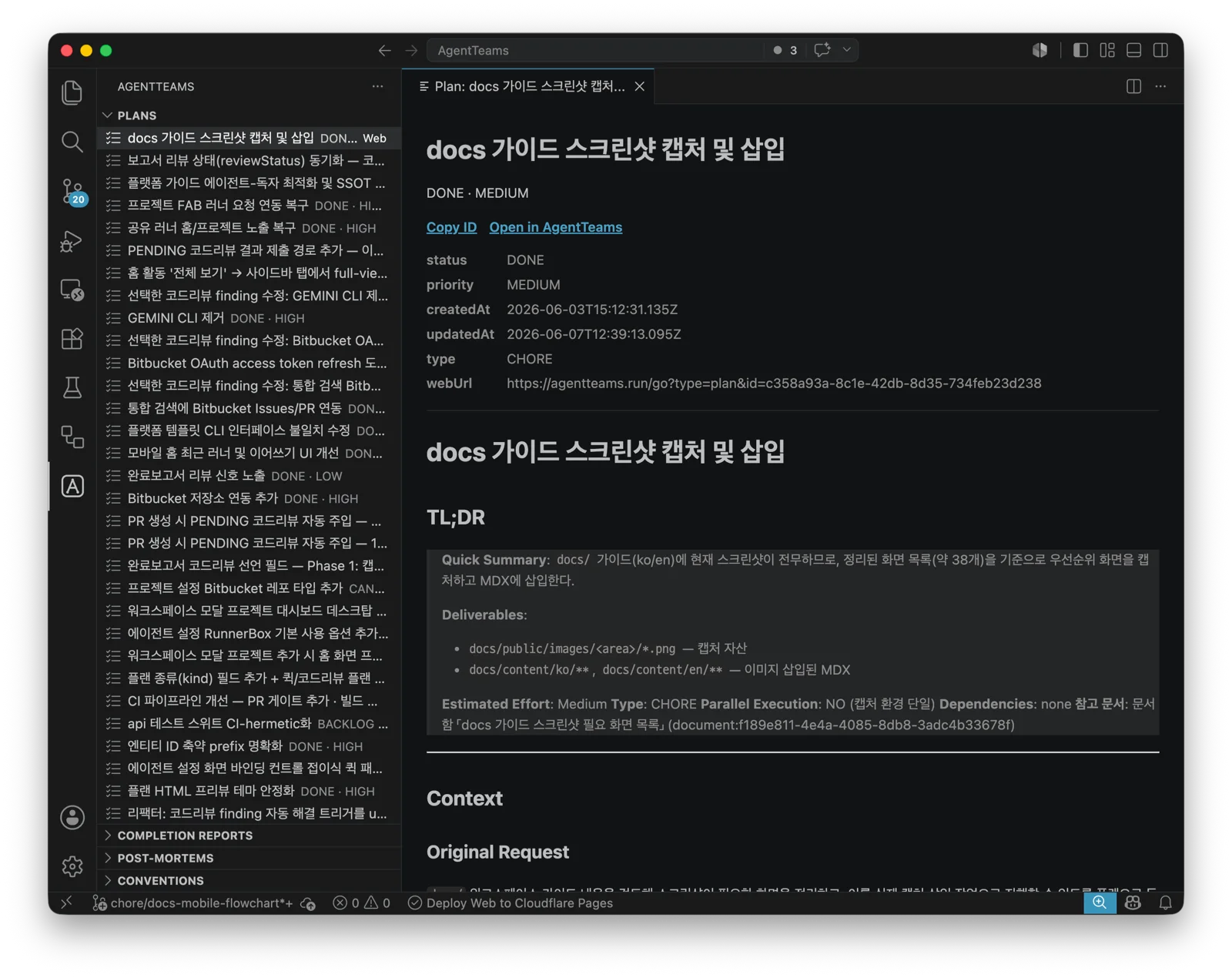
| View | Contents |
|---|---|
| Plans | Project plans |
| Completion Reports | Completion reports |
| Post-Mortems | Post-mortems |
| Conventions | Conventions |
Open an item to view its Markdown detail. Items available on the web can be opened in the AgentTeams web app.
Commands
Run these from the Command Palette:
| Command | Description |
|---|---|
AgentTeams: Refresh | Refresh all views. |
AgentTeams: Search | Run a project-wide search. |
AgentTeams: Open Convention | Open the local convention file beside the editor. |
AgentTeams: Open in Web | Open the selected item in the web app. |
AgentTeams: Filter Plans by Status | Filter the Plans view by status. |
Current scope
The extension is focused on reading AgentTeams context inside the editor. Use the CLI or web app for write workflows such as creating plans, generating reports, adding comments, or uploading conventions.