Conventions
A Convention is a project rule or guide an agent must follow when writing code or doing work. Once registered, agents reference it automatically as they work.
Starting point: the convention setup plan
When you create a project, a “Set Up Project Conventions” plan is registered automatically (type CHORE, status BACKLOG). This plan is the starting point that guides the agent to investigate the project and write your first set of conventions (context, conventions, etc.) and register them via the CLI. Just ask your agent to start this plan.
The auto-generated conventions are a draft, not the final answer. The agent flags items that need a human decision (tech stack accuracy, forbidden actions, test/deploy commands, etc.) separately, so review them before confirming.
Using it with AI agents
Ask your AI agent something like:
- “Generate the main conventions for this project”
- “Upload the conventions to AgentTeams”
The agent automatically generates project conventions following the rules already defined on the platform.
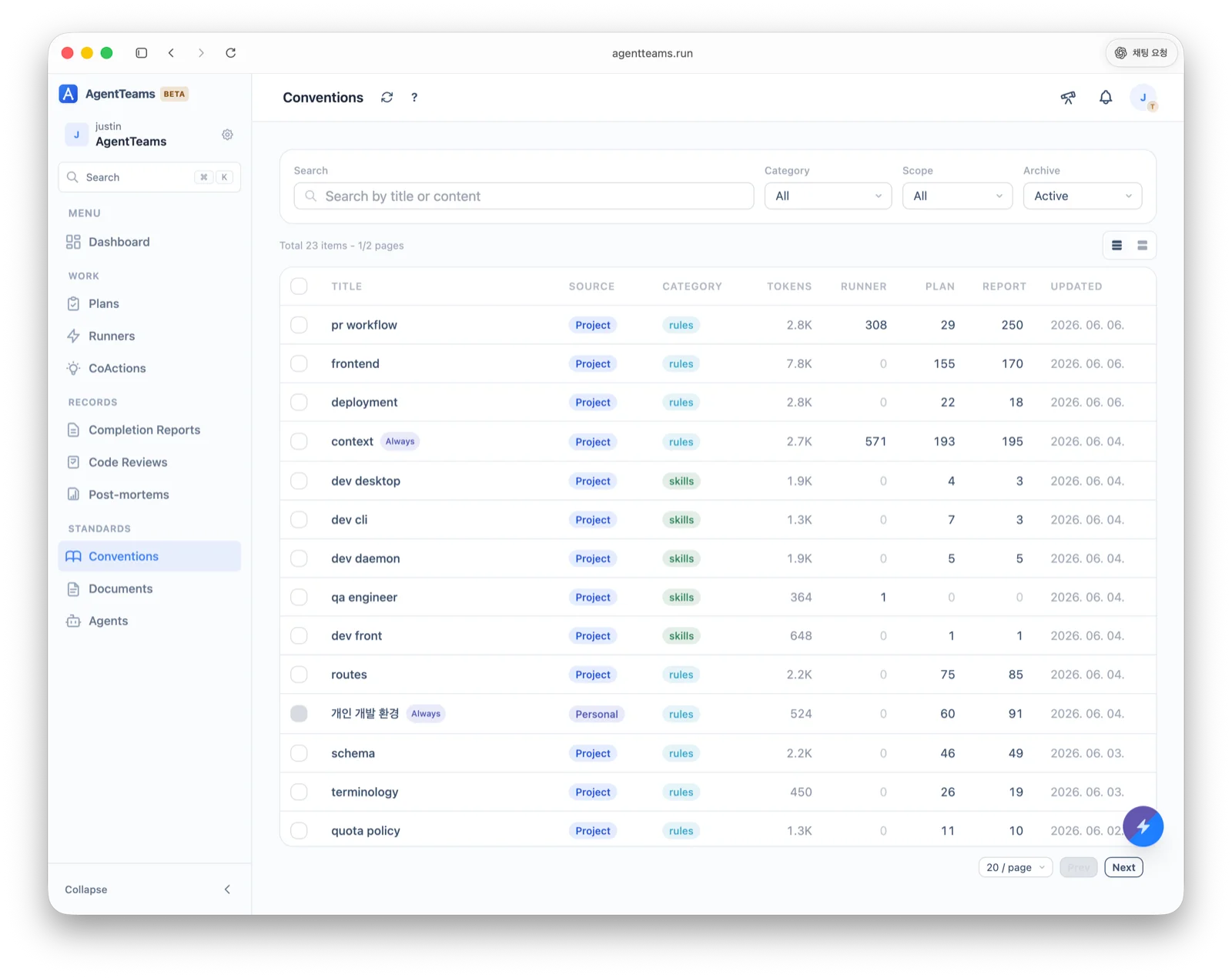
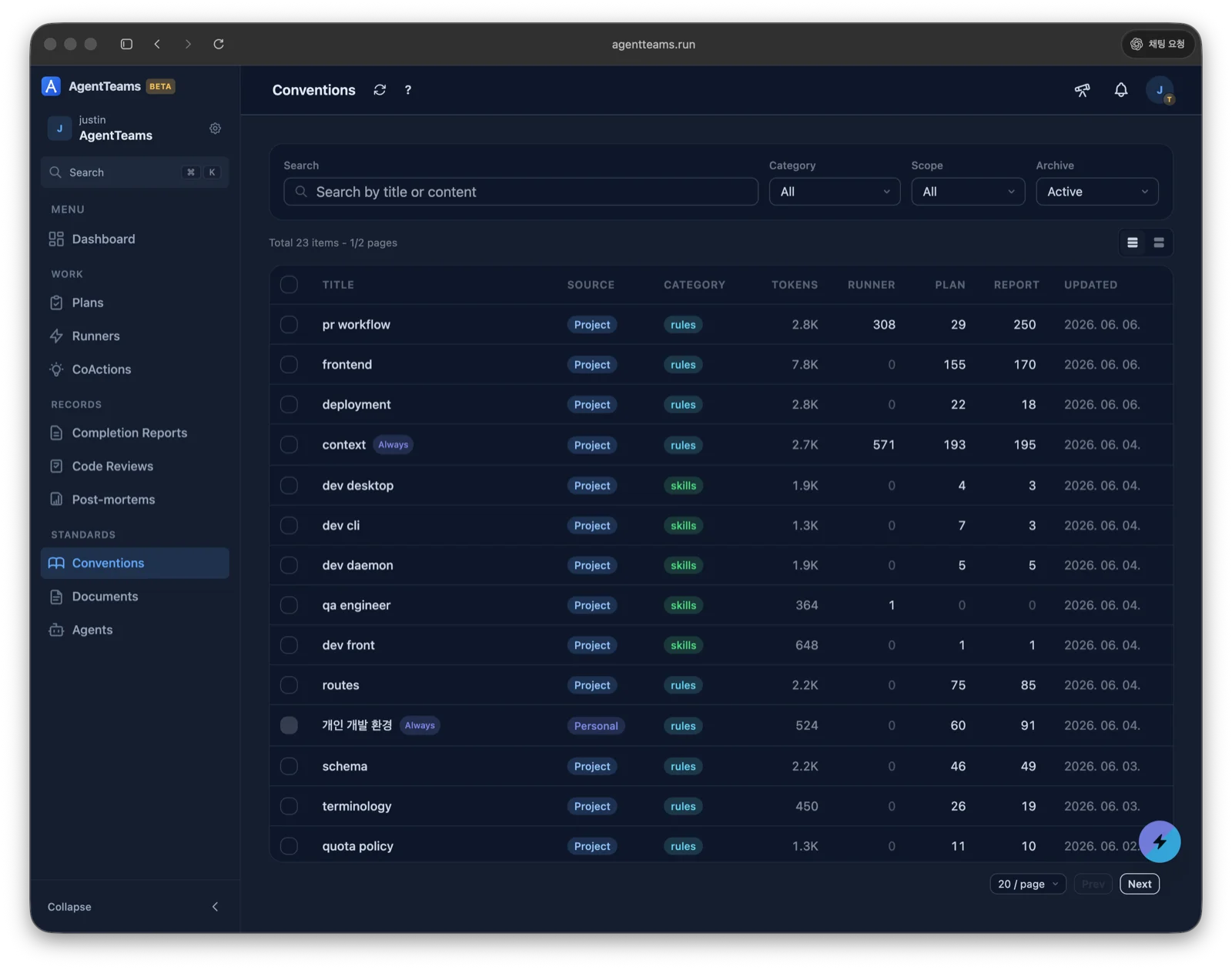
The list shows each convention’s category, source (Project/Personal), tokens, and an Always badge for conventions that are always applied.
Categories
Conventions live at .agentteams/<category>/<name>.md, with four categories.
| Category | Description |
|---|---|
rules | Project rules to follow (code style, naming, process, etc.) |
skills | Methodologies for performing specific tasks well |
guides | How-to guides for specific tools or technologies |
references | Reference material, code examples, external resources |
Whether a convention is always applied is set by its trigger, not its category.
always_onmeans agents always reference it (the Always badge in the list);model_decisionmeans the model references it when relevant.
Common scenarios
- Register code style rules — register shared team conventions (type style, naming, file structure) so agents follow them automatically.
- Add prevention rules — register new rules from a Post-mortem root cause. (e.g. “Never omit API error handling” →
rules) - Document tech-stack guides — write how-to guides for specific libraries/frameworks (e.g. Prisma query optimization, React Query cache strategy).
- Version history — every edit is versioned automatically, so you can roll back or review changes.
Single source of truth (no duplication)
A convention must not restate facts whose authoritative source lives elsewhere — duplicated values and policy inevitably drift out of sync and erode trust.
- Define only what the convention owns: implementation patterns, naming, and process
- If a value/policy’s source of truth is code or a Document, link to it instead of restating it
- Heuristic: “If this changes, must I edit it in two places?” — if yes, it’s duplication
Authoring tips
- Phrase rules in the imperative (“Do X”, “Don’t do Y”)
- Put an
# AGENT_RULESsection at the top of the body — agents comply with it more reliably - Don’t skip heading levels (H1 → H3 is not allowed)
- Use markers consistently:
✅correct ·❌incorrect ·🚫forbidden ·⚠️caution ·📌key summary - Prefer several small, focused conventions over one huge document