Runner Requests
For installing, initializing, status, and lifecycle (
agentrunner status/stop/uninstall, supported engines), see Runner Installation. This page covers how to send and track requests. To dispatch the same request automatically at a fixed time each day or week, see Schedules.
Send a request
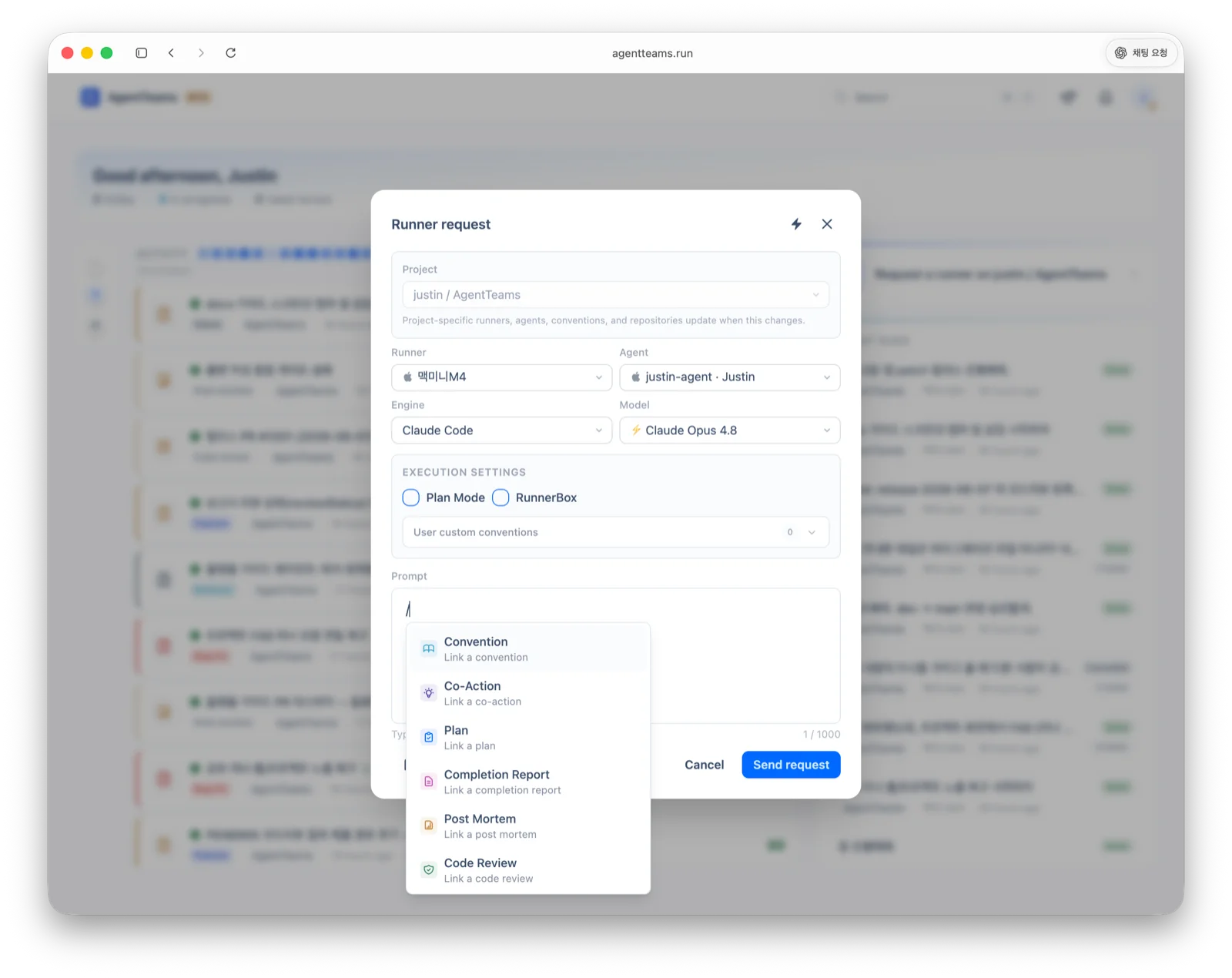
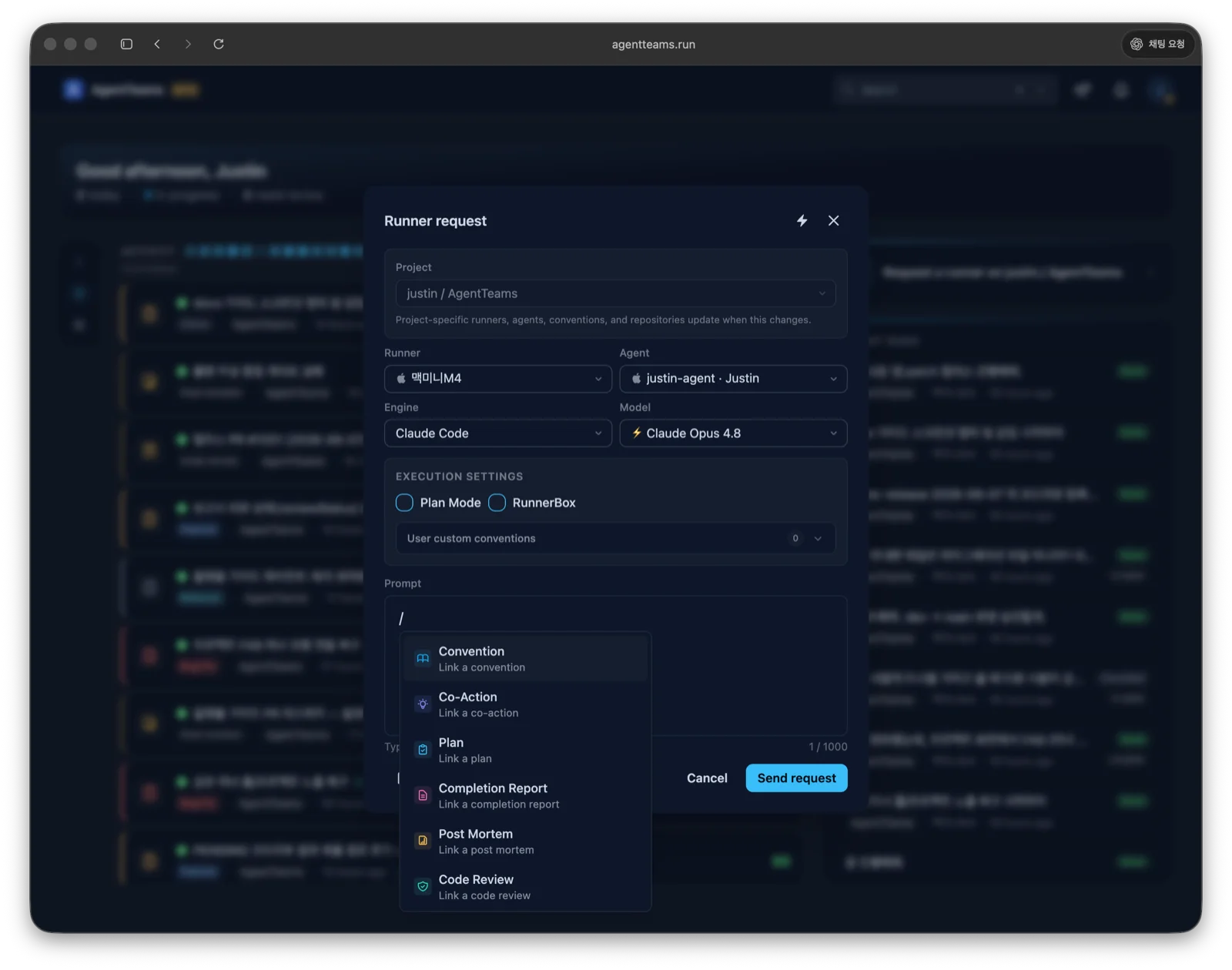
Send a runner request from the web. Set the project, agent, runner, engine/model, plan mode, and RunnerBox option, then enter a prompt. The runner picks up the pending request, executes it via your configured AI agent, and reports the result. Once a model is chosen, you can also pick an effort level verified for that model. See Runner Installation for per-engine support.
In the prompt, type / to link core workflow items into the request — plans, conventions, co-actions, completion reports, post-mortems, and code reviews (documents and external issues too). The agent picks up that context directly.
Request status
| Status | Meaning |
|---|---|
PENDING | Waiting to be picked up by a runner |
IN_PROGRESS | Currently being executed |
DONE | Completed successfully |
FAILED | Execution failed or timed out |
REJECTED | Another request for the same agent is already running |
Inspect request details
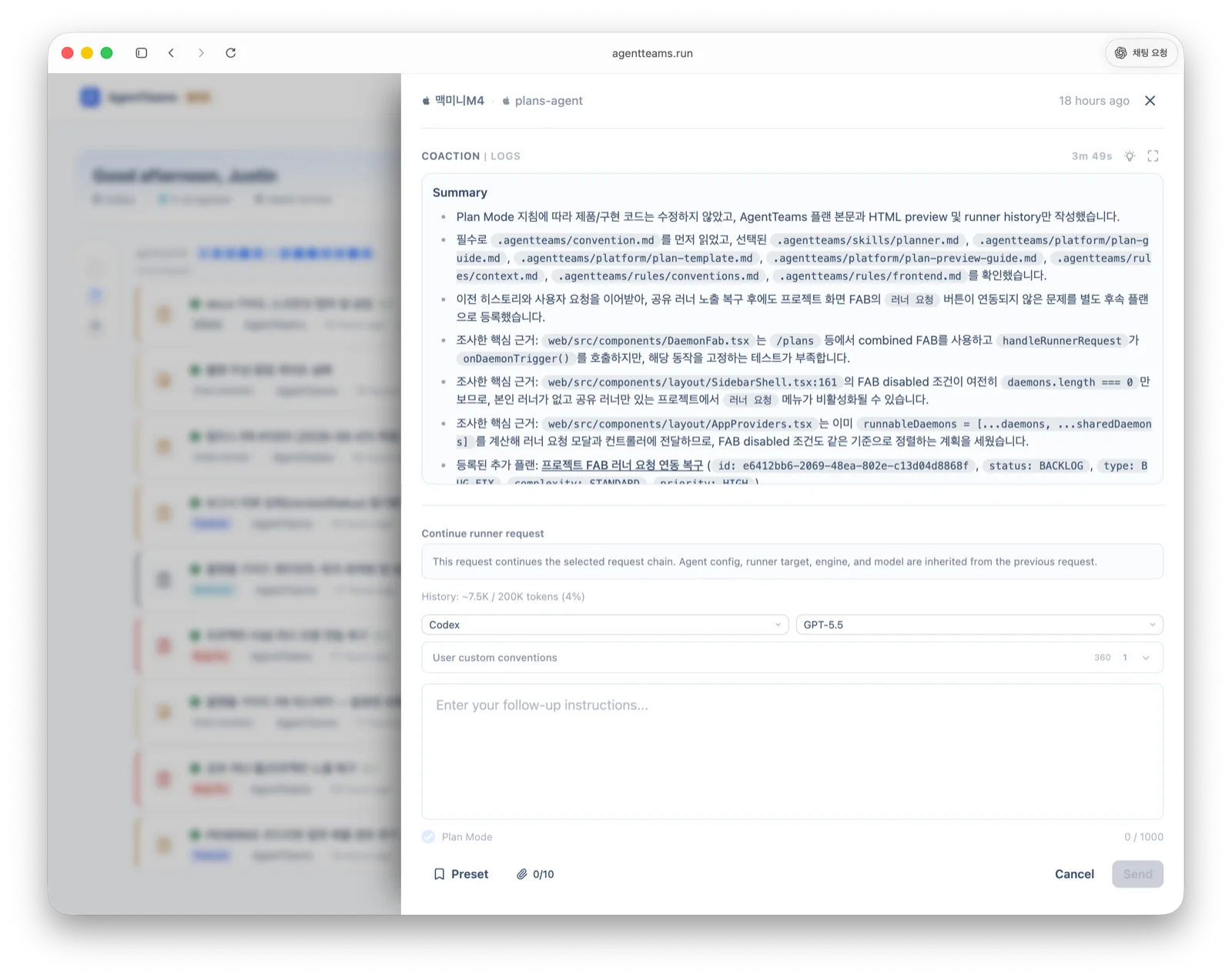
Open a request from the web runner list to inspect its prompt, status, logs, conversation history, last heartbeat, and RunnerBox state. Running requests can be cancelled, and completed or failed requests can be retried with the same settings.
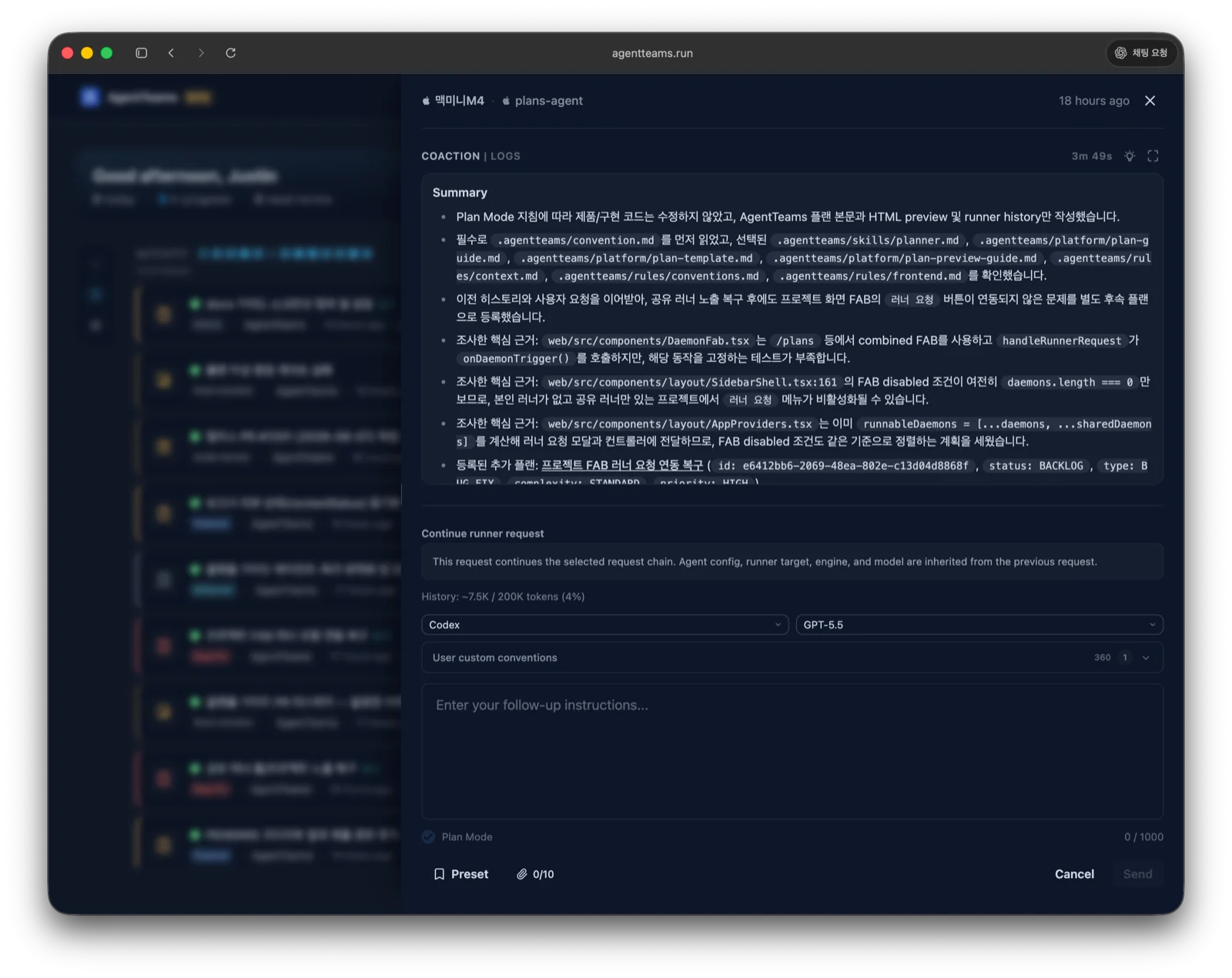
Click Continue on a completed request to send follow-up instructions in the same conversation.
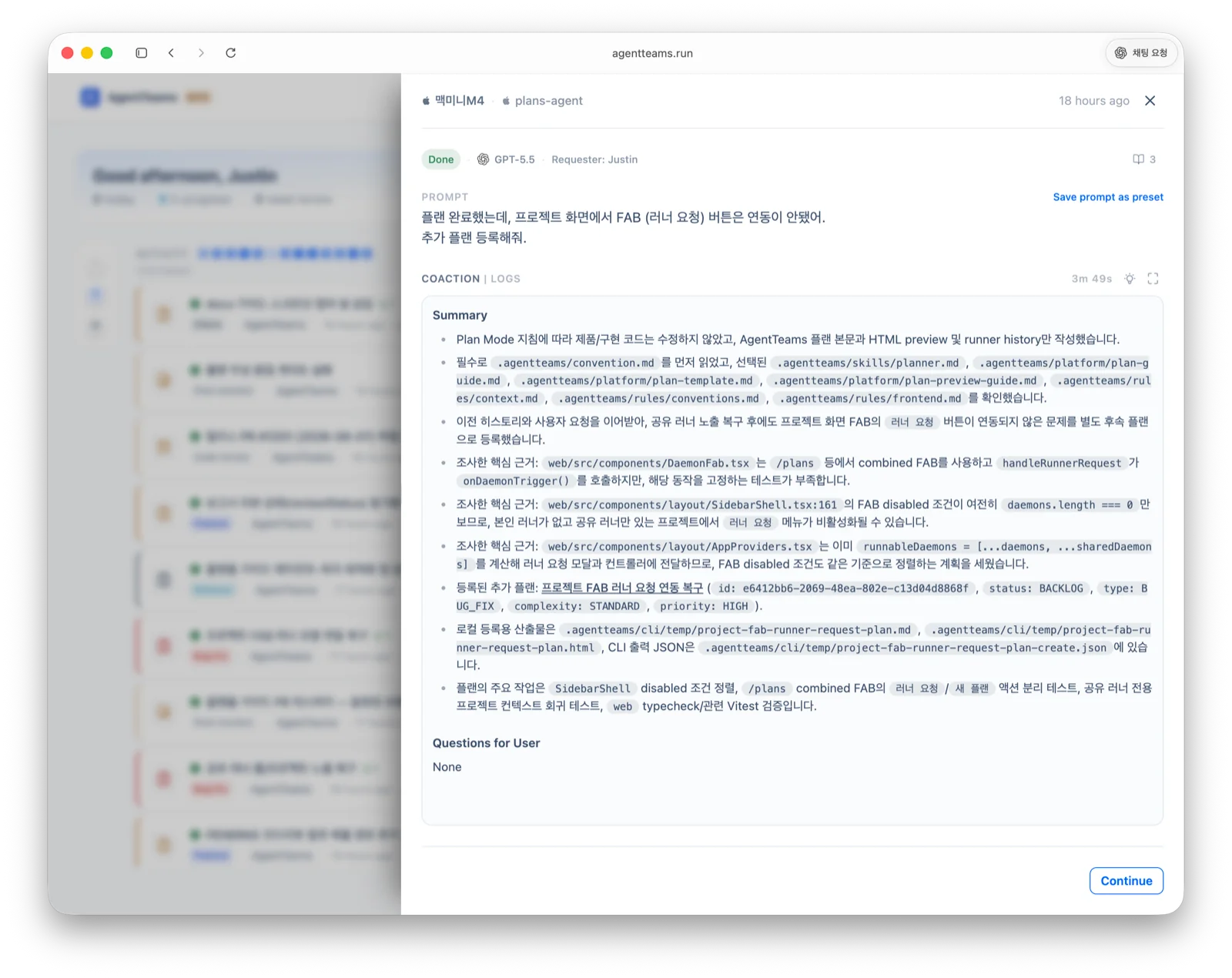
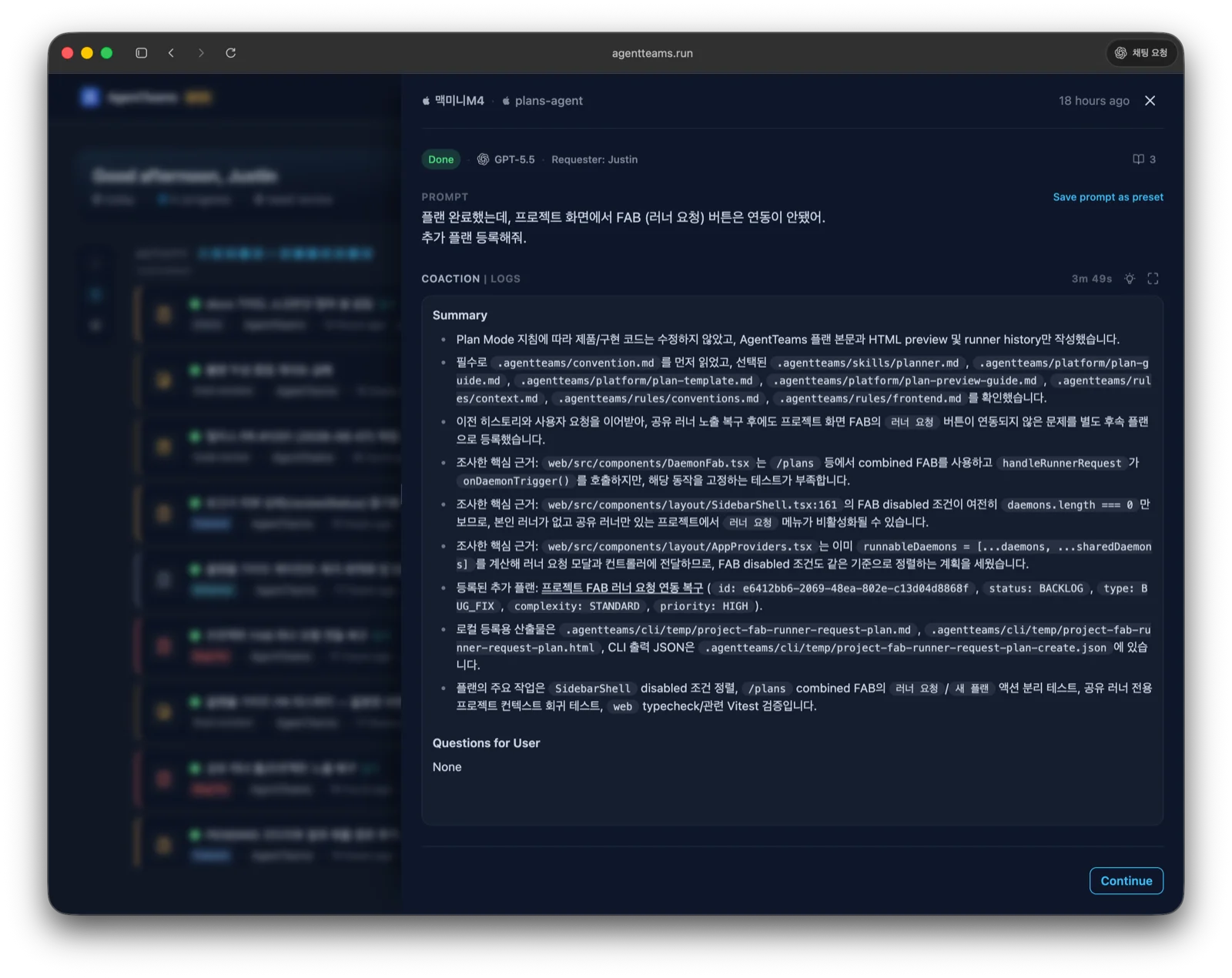
The follow-up inherits the previous request’s agent, runner, engine, and model, and runs in the same context. The effort level is checked again against the model’s current supported list, so if it is no longer listed you must pick a supported level or Model default.
When to use RunnerBox
RunnerBox is the isolated workspace a runner works in (see the Glossary). You can toggle it per request.
| Situation | Recommendation |
|---|---|
| You want to start from a clean base branch | On |
| You run multiple requests in parallel without side effects | On |
| You want to continue on an in-progress local working tree | Off |
| You just need quick local iteration | Off |
When on, the runner creates an isolated workspace from the base branch of the connected repository, so it does not touch the runner machine’s existing checkout. Setting a base branch requires a connected repository. You can inspect RunnerBox state and request its removal from the request detail.
Multi-runner setup
Run multiple runners on different machines, each with its own runner token. Each runner independently polls for and executes requests assigned to its agent configuration.
| Machine | Runner | Agent |
|---|---|---|
| Dev laptop | Runner A | claude-backend |
| Build server | Runner B | claude-ci |
| Review server | Runner C | claude-review |