5-Minute Quickstart
AgentTeams is a development workflow platform for working alongside AI agents. This page shows the shortest path from a local repository to an initialized AgentTeams project, an agent convention file, and your first plan.
Runner is not required for this quickstart. Start with the CLI and a local AI agent first; add Runner Installation later when you want web requests to be picked up and executed automatically.
Before you start
- An AgentTeams web account — sign up, then sign in and create your first project. CLI authentication links to this account.
- Install Node.js 20.12.0+ (
node -v). - One AI agent CLI — the agent that actually runs the work must be installed locally and signed in. Set up one of the following.
| Agent | Command | Install |
|---|---|---|
| Claude Code | claude | code.claude.com/docs |
| Codex | codex | developers.openai.com/codex/cli |
| Copilot CLI | copilot | Install GitHub Copilot CLI |
| Cursor CLI | agent | Cursor CLI |
| OpenCode | opencode | opencode.ai/docs |
| Antigravity | agy | antigravity.google/docs/cli-install |
| AmpCode | amp | ampcode.com |
| Kimi CLI | kimi | Kimi Code |
| Grok Build | grok | x.ai/build |
| Kiro CLI | kiro-cli | Kiro CLI |
| Oh My Pi | omp | omp.sh |
| Muse Code | muse | dev.meta.ai |
Step 1: Install the CLI
npm install -g @agentteams/cliStep 2: Initialize
Run the following command in your local repository root.
agentteams initA browser window will open for authentication. Complete the process on the CLI page in the web app.
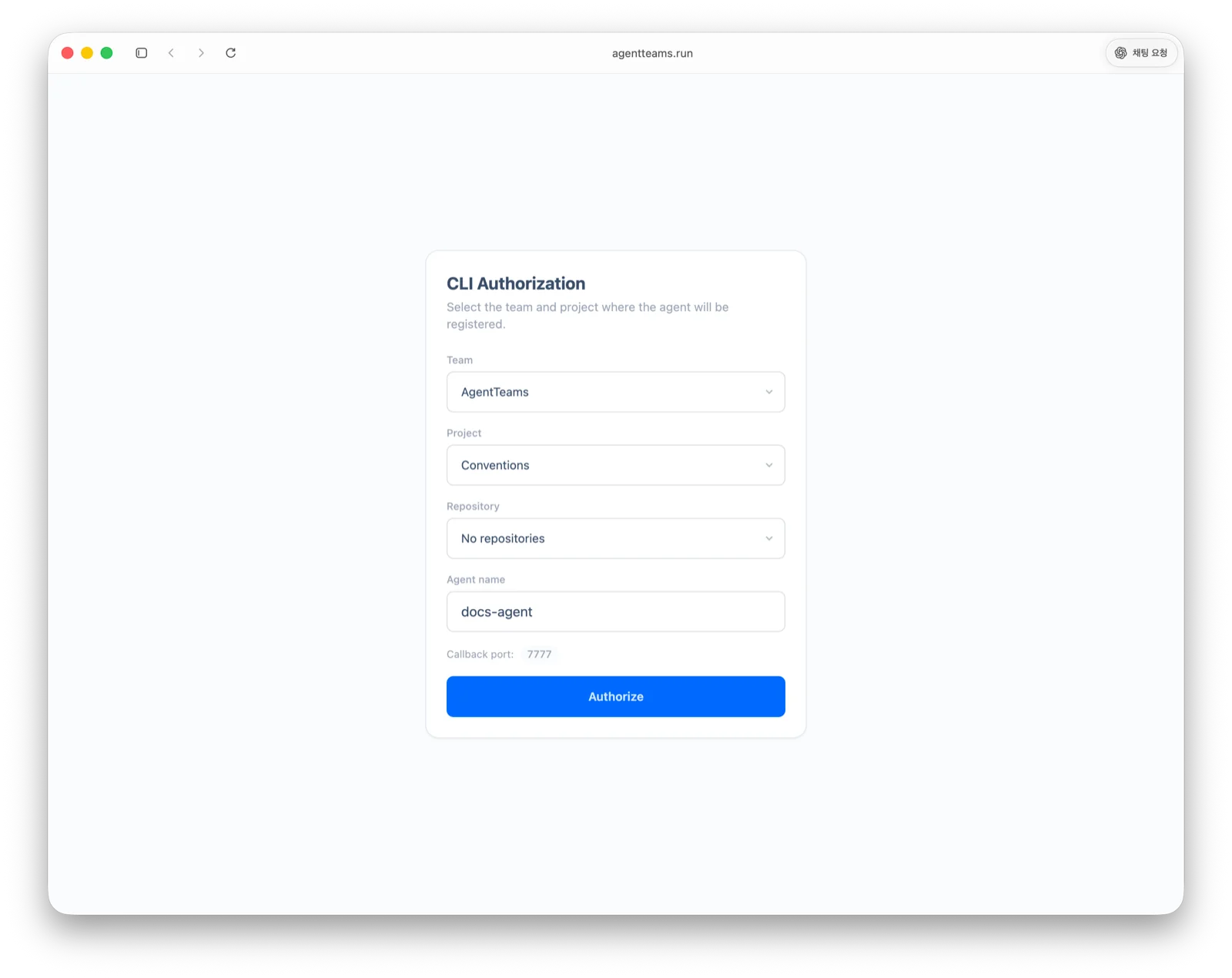
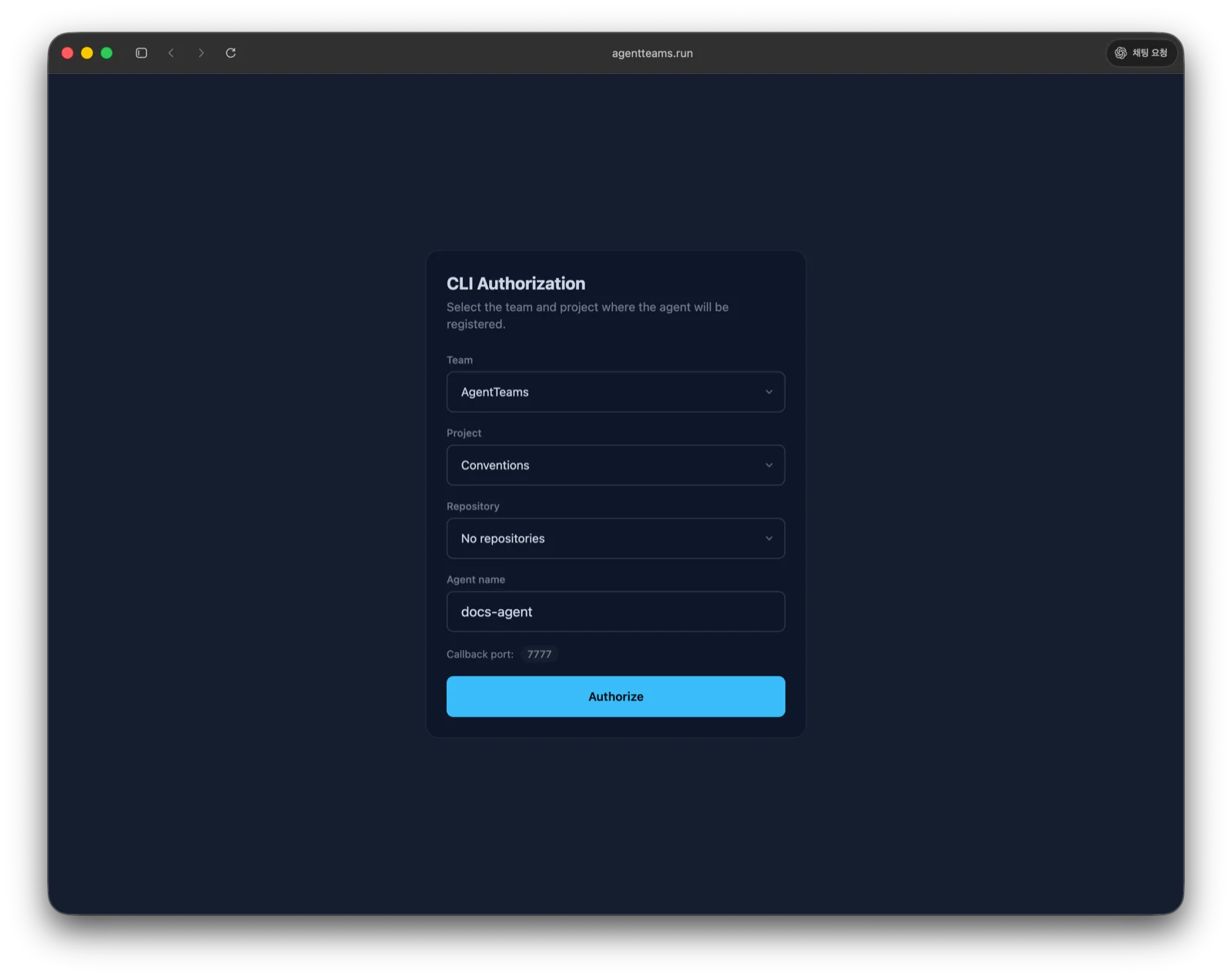
After authentication, .agentteams/ is created. The important files are:
| File | Description |
|---|---|
.agentteams/config.json | API configuration used by the CLI. |
.agentteams/convention.md | The combined convention file your AI agent should read before work. |
.agentteams/<category>/*.md | Category-specific convention documents downloaded from the server. |
.agentteams/ can contain credentials, so it does not belong in git. agentteams init adds it to .gitignore for you — there is nothing to add by hand.
Step 3: Check the AI agent convention file
agentteams init creates the convention file that matches the AI agents detected in this folder. That file is what tells the agent to read .agentteams/convention.md. When no agent is detected, it creates CLAUDE.md.
| AI agent | Convention file |
|---|---|
| Claude Code | CLAUDE.md |
| OpenCode · Codex · Kimi CLI · Kiro CLI | AGENTS.md |
| Antigravity | GEMINI.md |
| Cursor | .cursor/rules/agentteams.mdc |
To create a different file from the detection result, run agentteams init --interactive and choose it from the prompt.
If a file of that name already exists, the CLI leaves it alone instead of overwriting it. When you see a line like the one below in the output, add the convention reference block to that file yourself.
- Agent file already exists, left untouched: CLAUDE.mdThis is what to add.
---
alwaysApply: true
---

# AGENT_RULES

`.agentteams/convention.md` holds this project's conventions.

- **Read it once per session**, before your first substantive action.
- **Do not re-read it for each task.** Once it is in context, use what you already read.
- Re-read only when it changed — `agentteams session sync` lists changed files under `reread`.
Step 4: Connect your AI tools over MCP
Over MCP, your AI agent can search and read this project’s records — plans, completion reports, conventions, and more — directly. Register every client detected in this repository in one go.
agentteams mcp installIf you ran step 2 as agentteams init --mcp, this registration is already done. See MCP Integration for scopes, registering a single client, and the list of supported clients.
Next steps
A Set Up Project Conventions plan is already registered when you create a project. Instead of creating one, just ask your agent to start it to set up your first conventions. See Conventions for details.
Try saying something like this to your AI agent:
- Analyze the codebase and create conventions.
- Create a plan to improve test coverage for this project.
- Find ways to optimize API response times and register them as a plan.
Review the plans your AI agent creates on the web. If you like one, tell your agent Start plan {plan ID}!
When the work is done, write a completion report so the result and verification evidence are reviewable. If the work exposed a reproducible or systemic failure, create a post-mortem separately and register the prevention rule as a convention.
Read next
- CLI: manage plans, reports, and conventions from the terminal
- Web: review projects, activity, and runner requests
- Project Settings: configure members, repositories, and notifications
- Connect a Repository: align the web repository connection and agent convention file
- Runner Installation: add a local runner for automatic web-request execution
- MCP Integration: search and read project records from your AI tools
- Plans: move from plan creation to completion reporting