Project Settings
Project settings show where an AgentTeams project is operated in the web app. After sign-up and first project creation, use this page to locate default language, members, integrations, and notification settings.
Where to open it
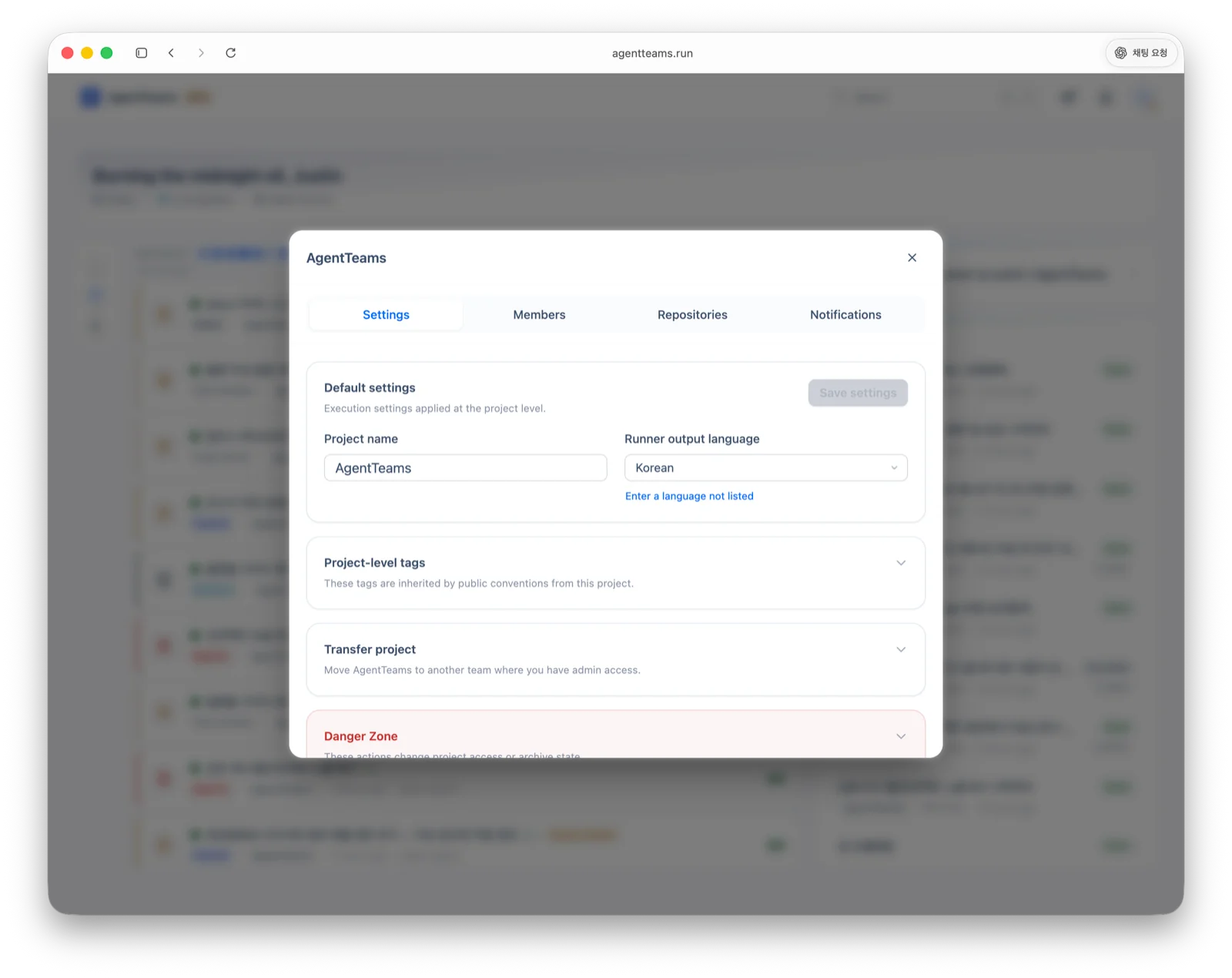
In the web app, select a team and project, then open project settings. The project settings modal has these tabs.
| Tab | What it configures |
|---|---|
| Settings | Project name, default language, and tags |
| Members | Project members and permissions |
| Integrations | GitHub, GitLab, Bitbucket, Linear, Sentry, or manual repository connections |
| Notifications | Project notification subscription for the current browser or desktop client |
General settings
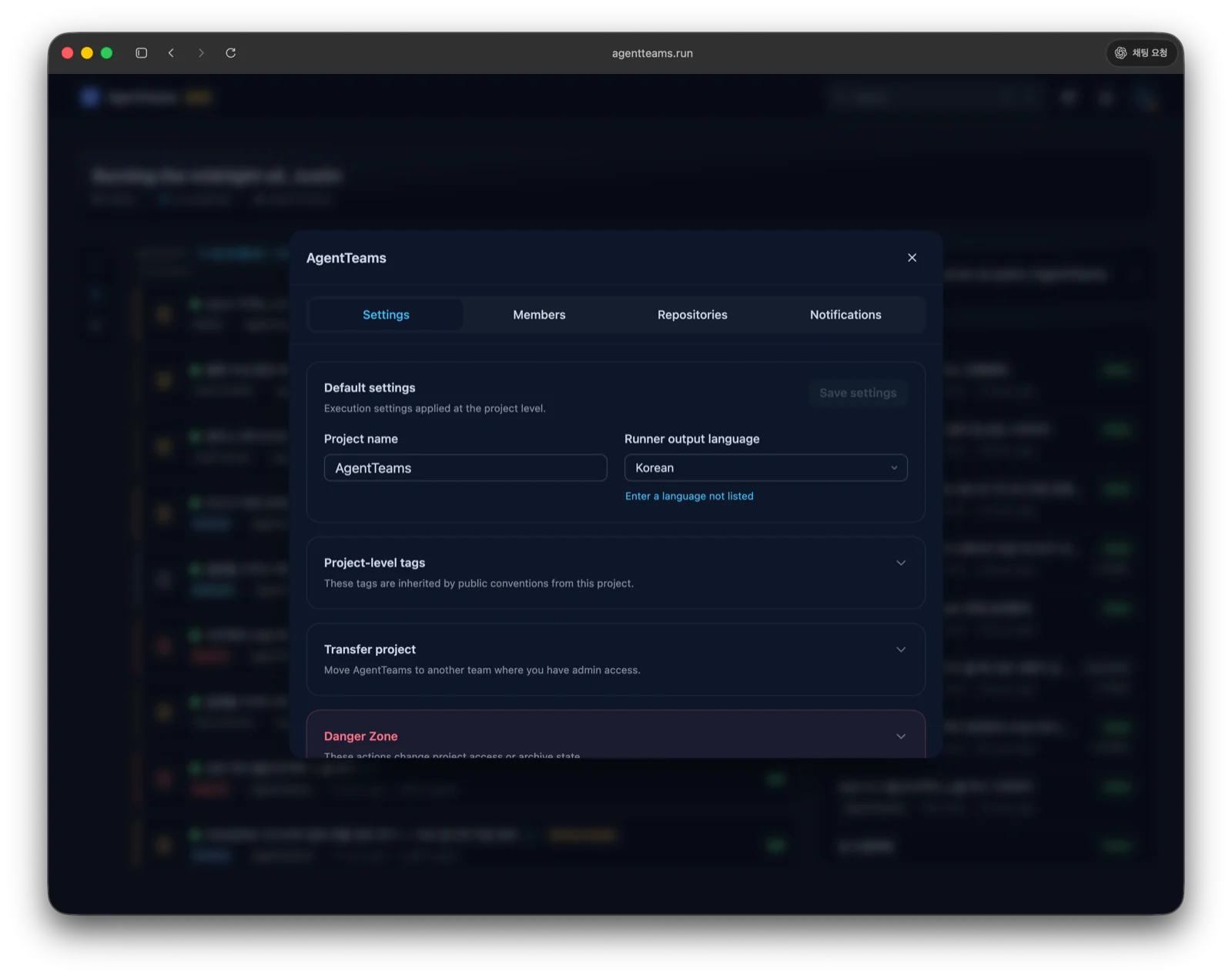
The project name is used in the web project list, CLI project picker, and runner request screens. The default language is the language hint used when writing project documents and agent-generated artifacts.
Tags
Project tags classify work and artifacts. They help users scan projects in the web app and organize plans, documents, and conventions.
Members
Use the Members tab to add team members to the project and manage their permissions. Only users with sufficient team or project permissions can change members and major project settings.
Integrations
The Integrations tab connects an AgentTeams project to external work targets. Source provider options and RunnerBox usage are covered in Connect a Repository. To connect error-tracking issues as plan context, see Sentry Integration.
Notifications
Use the Notifications tab to subscribe to push notifications for the selected project. The web browser and desktop client each manage subscription state using the notification endpoint for the current environment.
Next up: Connect a Repository.