Connect a Repository
Connecting a repository aligns an AgentTeams project with the real repository you work in. This connection identifies the web work target and is used to choose the base branch when runner requests use a RunnerBox.
Where to open it
Open project settings in the web app and go to the Repositories tab. Projects support GitHub, GitLab, Bitbucket, Linear, and manual connections.
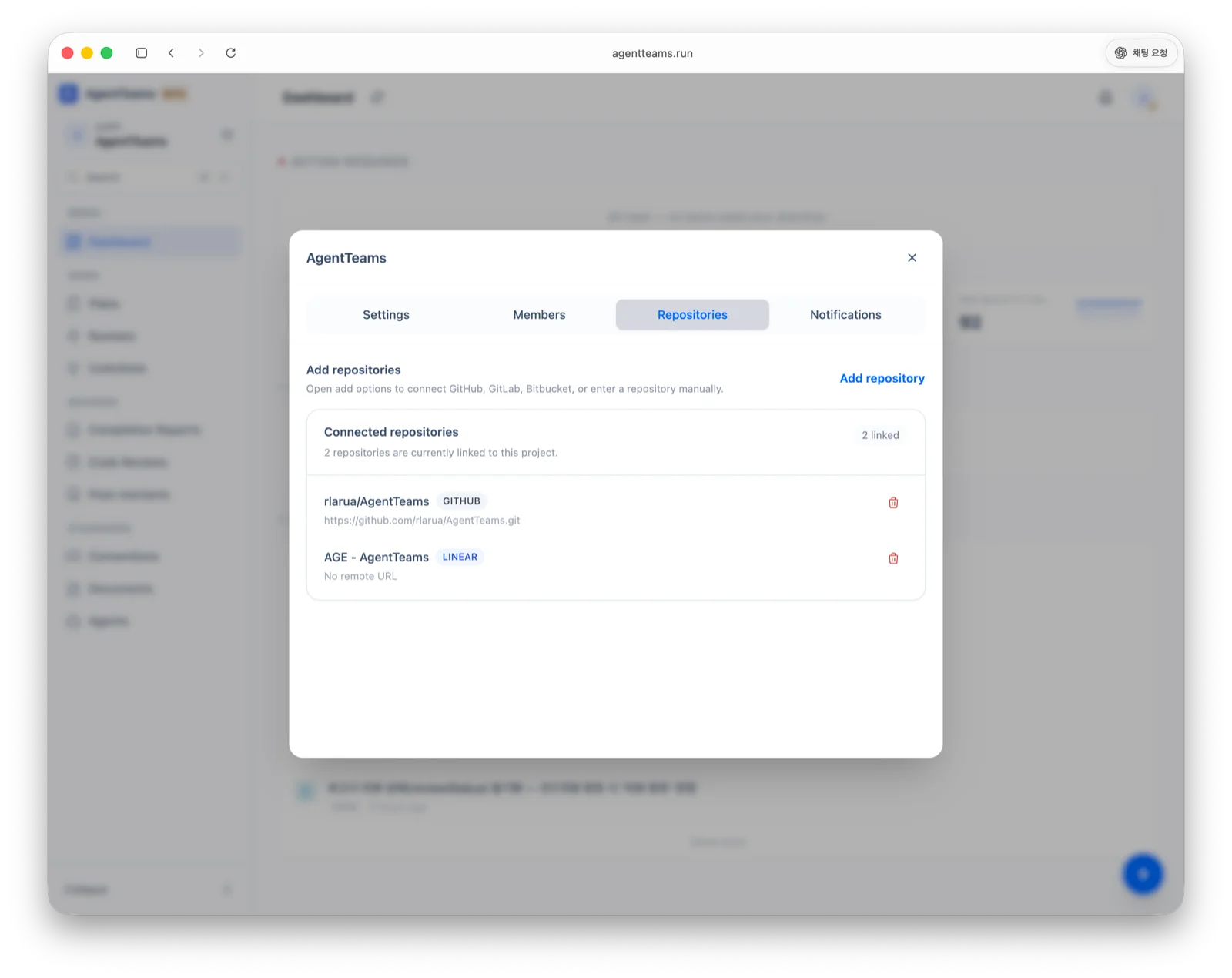
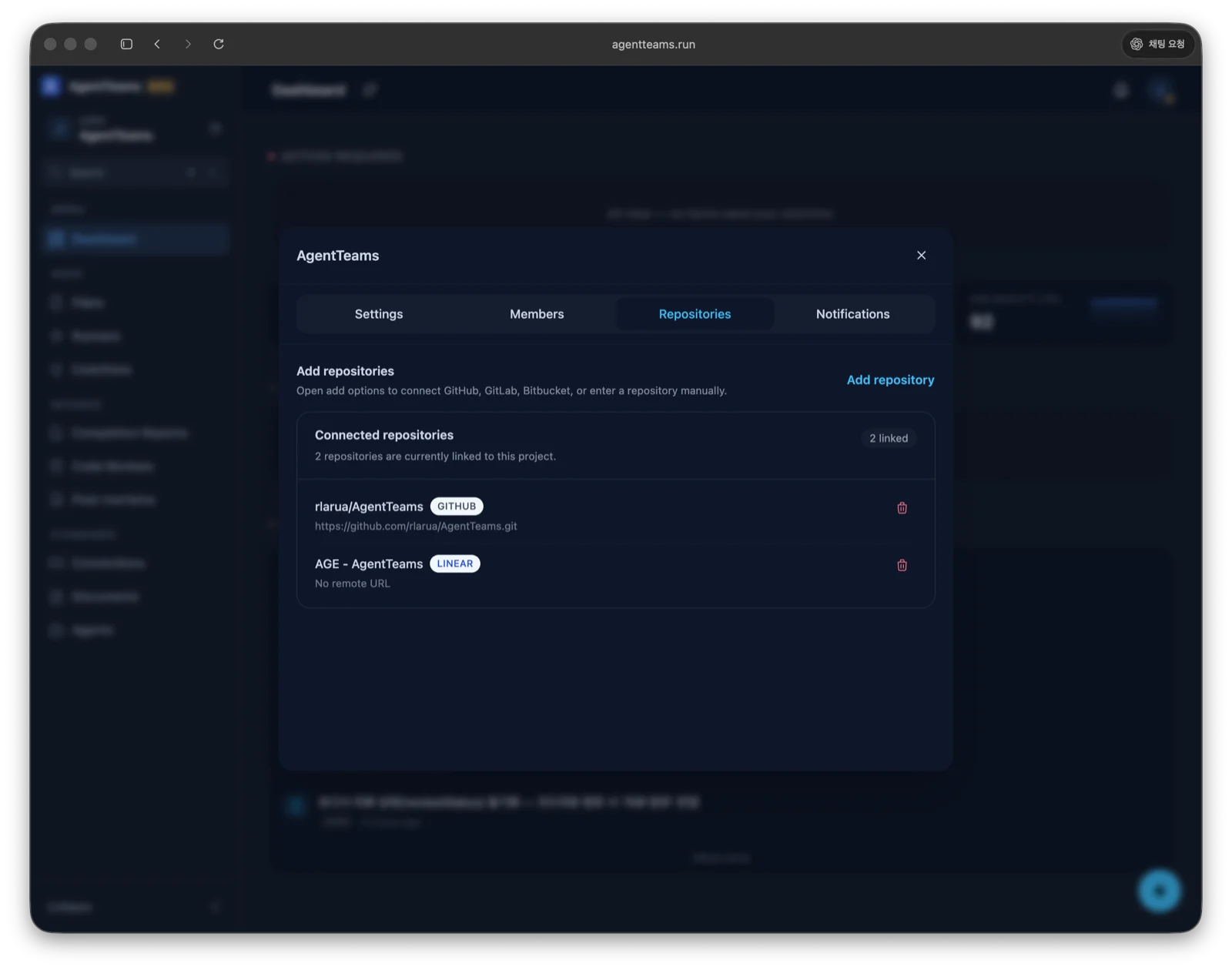
| Connection | When to use it |
|---|---|
| GitHub | Import and connect a GitHub repository through OAuth |
| GitLab | Import and connect a GitLab repository through OAuth |
| Bitbucket | Import and connect a Bitbucket repository through OAuth |
| Linear | Connect a Linear team to the project context |
| Manual | Register only a name and remote URL without external OAuth |
💡 Note Repository connections are used to select the base branch when using a RunnerBox for runner requests.
After connecting
Confirm that the connected repository matches the local repository you will work in. During CLI initialization, the local .agentteams/ settings are created against this project and repository context.
Once connected, continue with CLI Installation in your local repository.
Last updated on