CLI Installation
The AgentTeams CLI runs platform tasks — plans, reports, and more — from your terminal.
Requirements
- Node.js 20.12.0+ (check with
node -v)
Install
npm install -g @agentteams/cliOnce installed, run agentteams --help to see the available commands. See CLI Commands for the full list.
Initialize
Run initialization from your local repository root.
agentteams initWhen you run the command, the CLI authorization screen opens in the browser. Complete authentication on the CLI page in the web app.
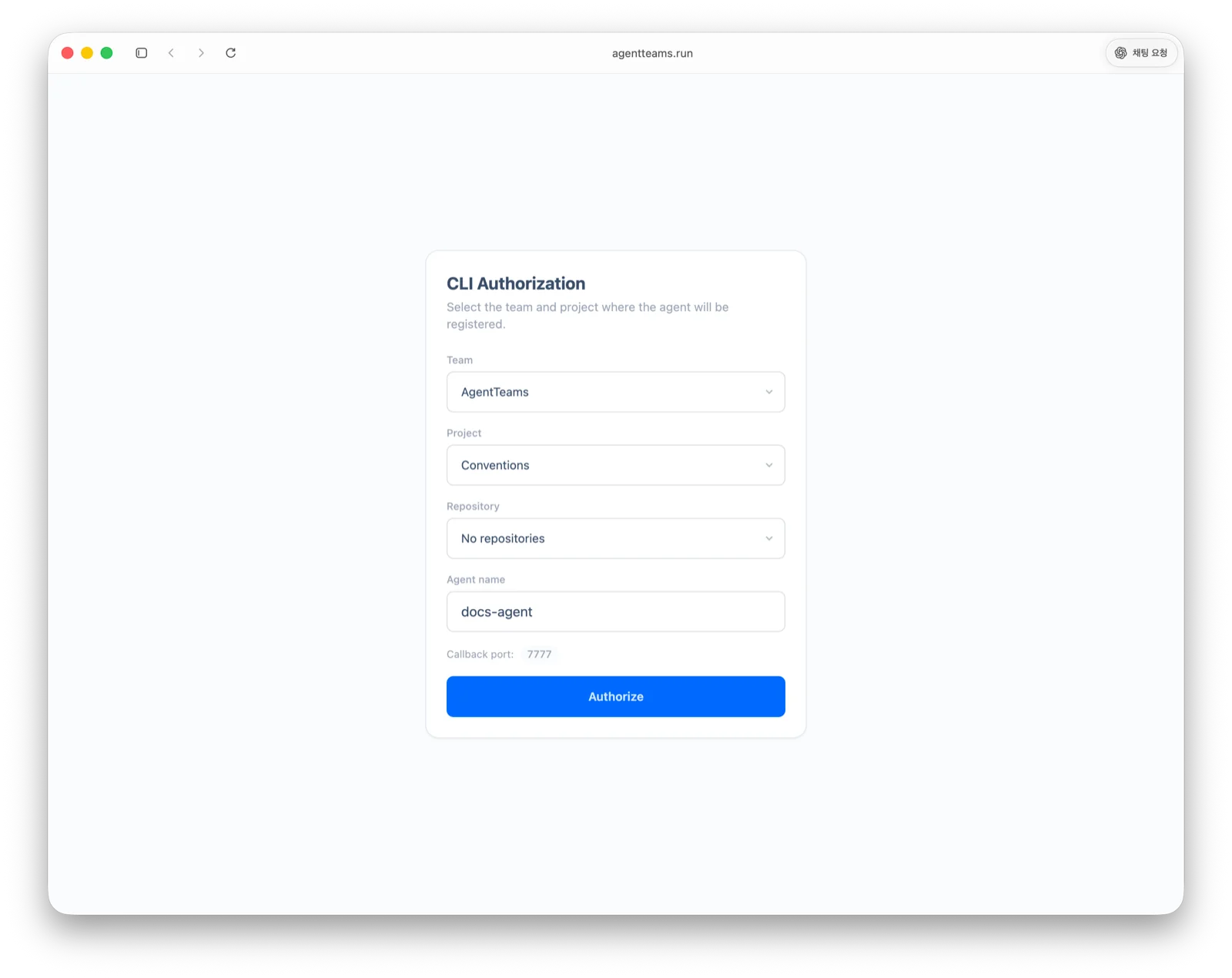
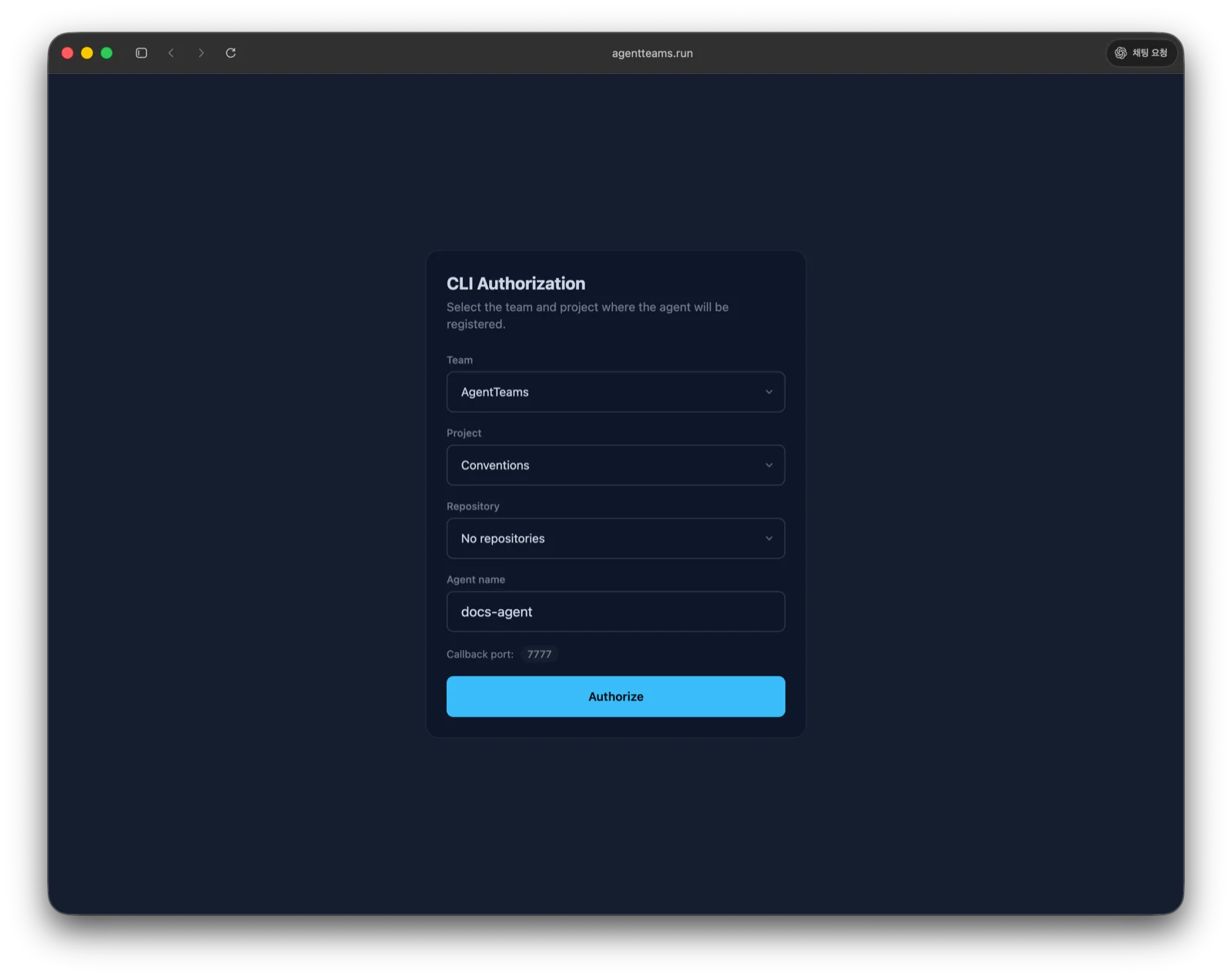
After authentication, the command creates a local .agentteams/ folder.
| File | Role |
|---|---|
.agentteams/config.json | API, project, and repository settings used by the CLI |
.agentteams/convention.md | Unified convention file read by AI agents before work |
.agentteams/ can contain credentials, so it does not belong in git. agentteams init adds .agentteams to .gitignore for you — there is nothing to add by hand. When it creates GEMINI.md for Antigravity, it also adds the .geminiignore entry that keeps the convention files readable.
Credential modes
agentteams init defaults to --auth personal-token: your login is stored in the OS credential store, refreshes itself, and no secret is written into .agentteams/config.json.
agentteams init --auth api-key is the compatibility path. It writes a long-lived agent key into .agentteams/config.json, and that key expires 30 days after it is issued. Nothing renews it: once it lapses, every CLI and runner request fails with 401 AGENT_API_KEY_EXPIRED. Reissue it in the web app under project settings → agents (the agent card shows a warning badge in the last 7 days), or re-run agentteams init to move the project onto the personal login.
The agent convention file
agentteams init creates the convention file that matches the AI clients detected in this folder. That file is what tells the agent to read .agentteams/convention.md. When no client is detected, it creates CLAUDE.md.
| Convention file | Detected AI client |
|---|---|
CLAUDE.md | Claude Code |
AGENTS.md | OpenCode / Codex / Kimi CLI / Kiro CLI |
GEMINI.md | Antigravity |
.cursor/rules/agentteams.mdc | Cursor |
To pick the files yourself instead of using the detection result, run agentteams init --interactive and choose them from a prompt. Without that flag init asks nothing and uses what it detected.
When a file of that name already exists
The CLI leaves the existing file alone instead of overwriting it. When you see a line like the one below in the output, add the convention reference block to that file yourself.
- Agent file already exists, left untouched: CLAUDE.mdThis is what to add.
---
alwaysApply: true
---

# AGENT_RULES

`.agentteams/convention.md` holds this project's conventions.

- **Read it once per session**, before your first substantive action.
- **Do not re-read it for each task.** Once it is in context, use what you already read.
- Re-read only when it changed — `agentteams session sync` lists changed files under `reread`.
Once connected, you can kick off your first task by asking the agent something like “Analyze the codebase and create conventions.” See Agent Configs to register and manage agents.
MCP registration
agentteams init writes no AI client configuration; it just points you at agentteams mcp install at the end of the run. To register at the same time as initialization, add --mcp.
agentteams init --mcpEvery client detected in this repository is registered at project scope. If one client fails, initialization still succeeds and the failed client is listed with the command to retry it. See MCP Integration for scopes and single-client registration.
Next up: Runner Installation.