Unified Search
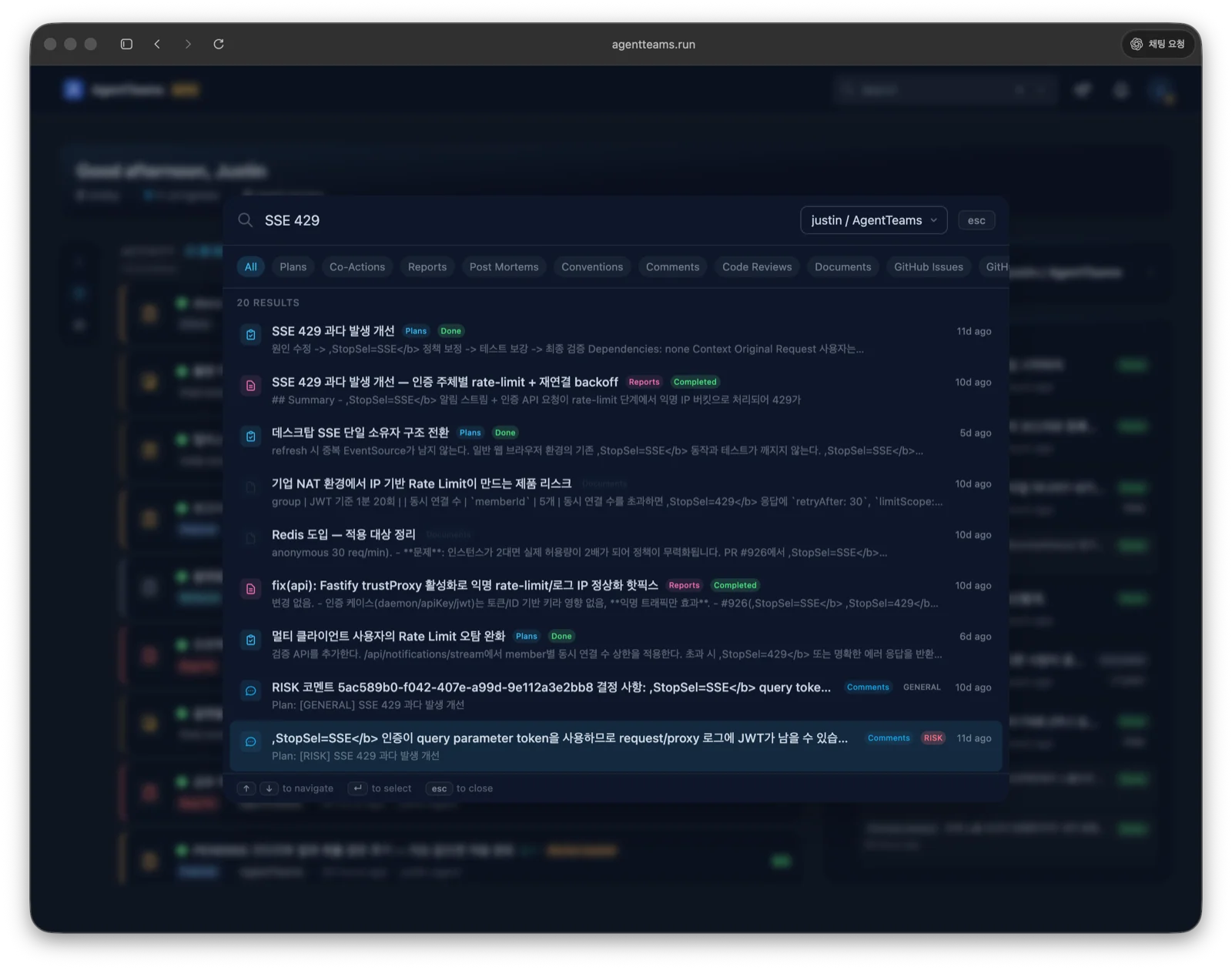
Unified search finds every workflow artifact in a project and the connected external issues at once. It searches titles, bodies, and even comments, so scattered context comes together quickly.
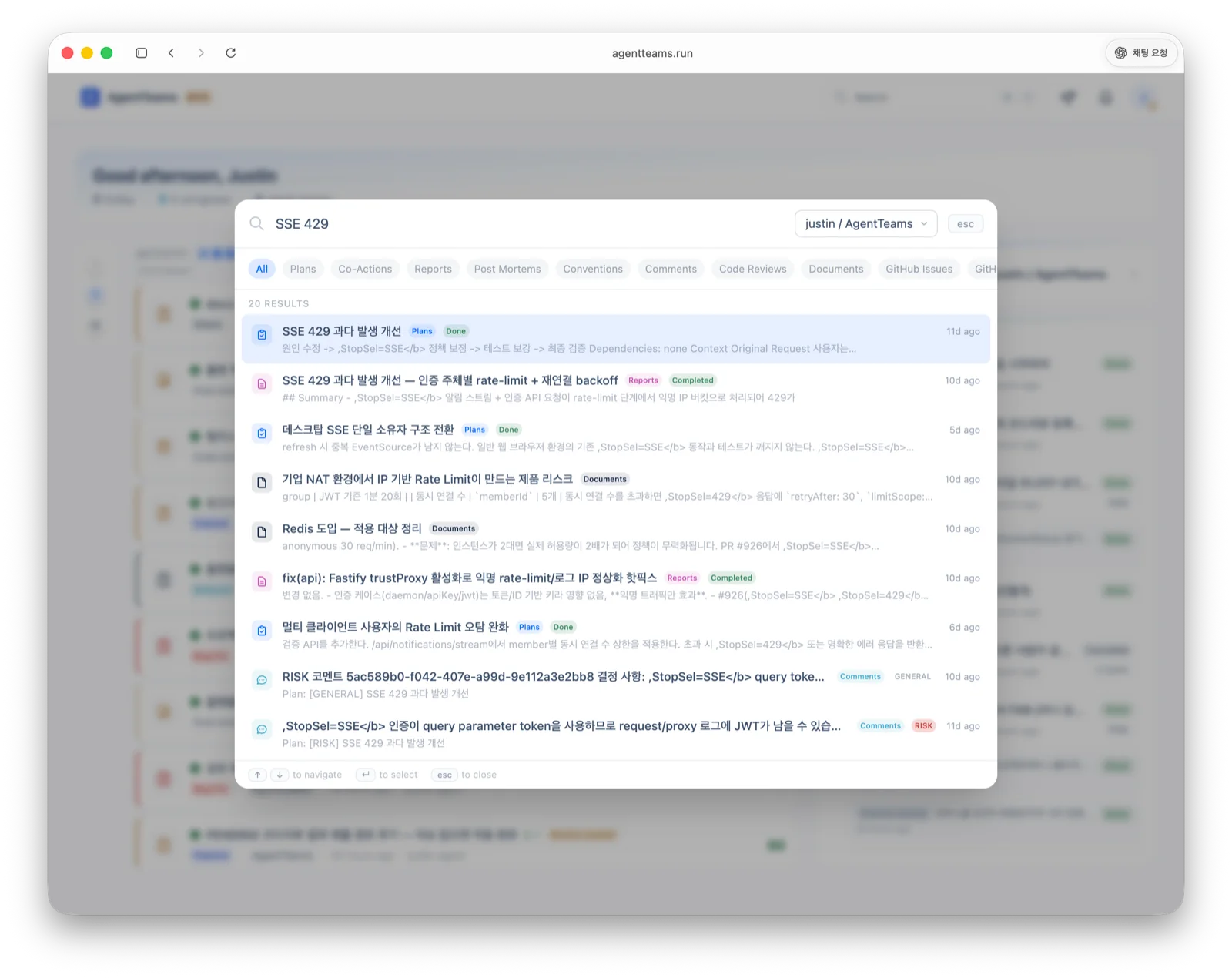
What it searches
| Scope | Types |
|---|---|
| AgentTeams | Plans, co-actions, completion reports, post-mortems, conventions, comments, code reviews, documents |
| External (connected repositories) | GitHub, GitLab, and Bitbucket issues/PRs, Linear issues |
How search works
Search combines keyword matching with meaning-based similarity, merging both rankings into a single result list — so you can find an item even when you no longer remember its exact wording. Korean content behaves the same way.
| Method | Types |
|---|---|
| Keyword + meaning | Plans, completion reports, code reviews, post-mortems, documents |
| Keyword | Co-actions, conventions, comments, external issues/PRs |
Low-relevance candidates are dropped from the meaning-based side, so an unrelated document that happens to share a word does not surface at the top.
How to use it
- Type a keyword in search to query all types within the selected project.
- Narrow results with the type tabs (All, Plans, Documents, etc.).
- Open a result to jump to its detail view.
Last updated on