Code Review
Code review is a verification workflow that is independent of plan completion. It is not an automatic byproduct of completion reports, co-actions, or post-mortems — you run it when it’s explicitly requested.
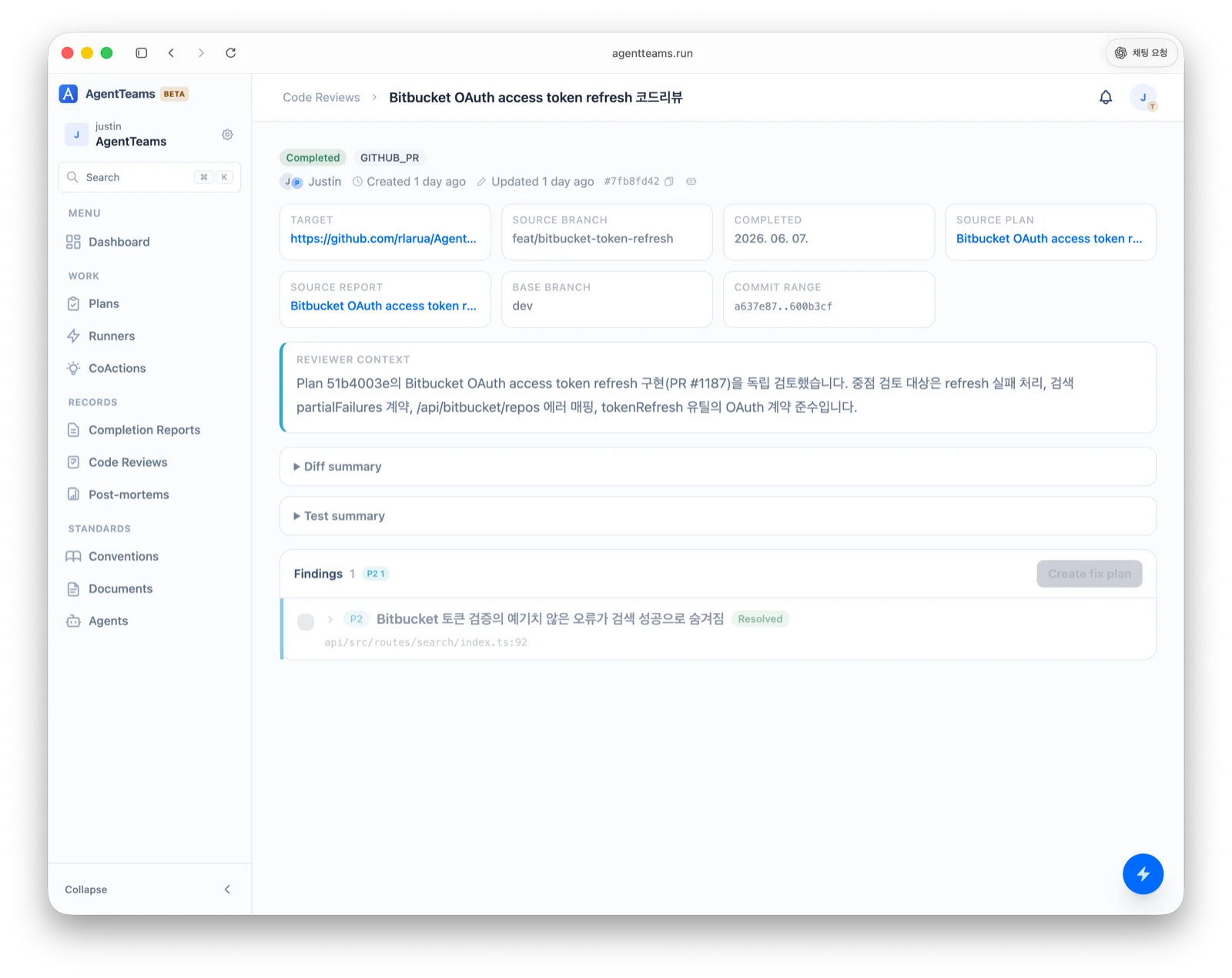
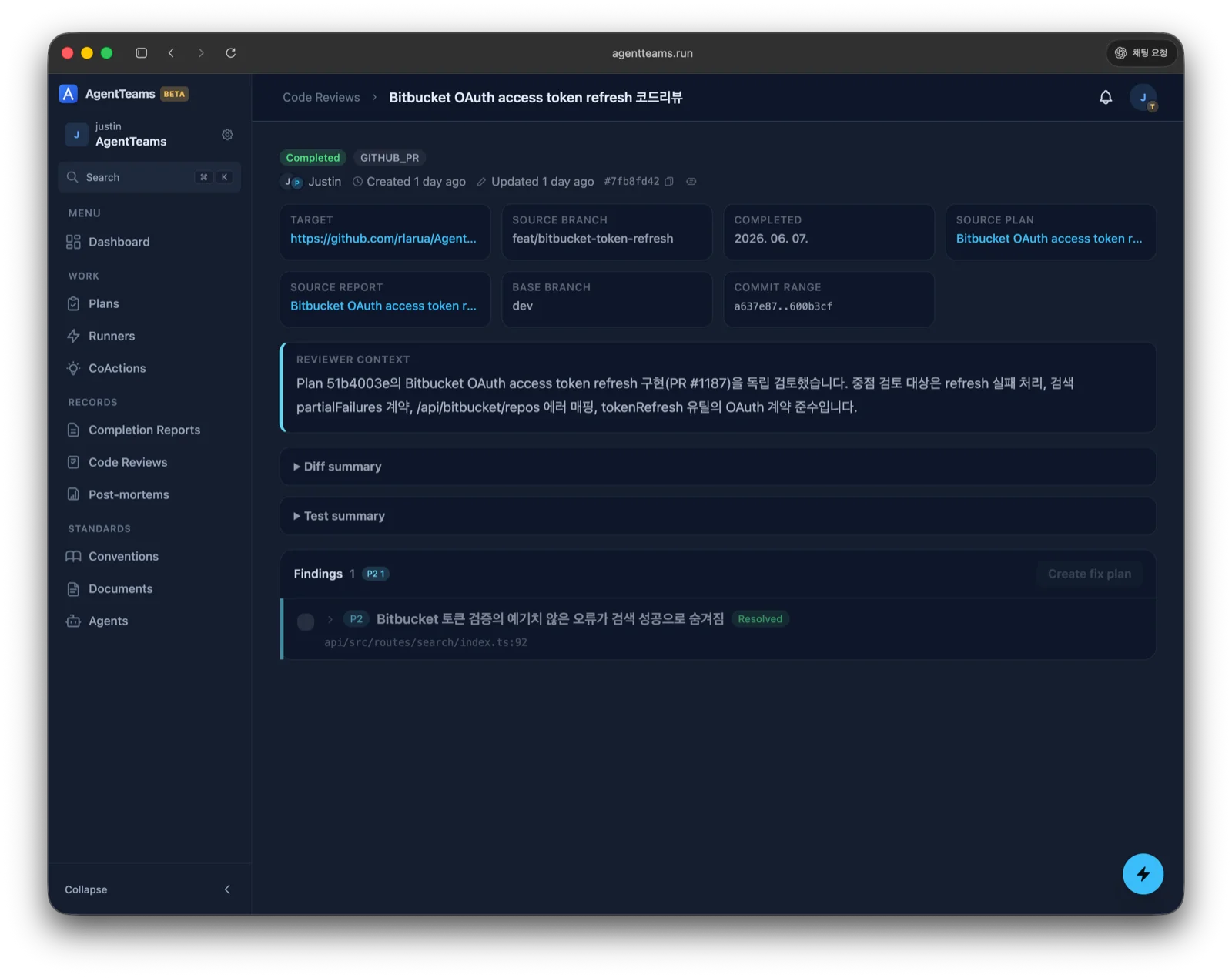
The detail view leads with the review summary, so you can judge whether the change is mergeable and what is left to do without reading every finding. When no summary was written, the same slot says so — that is not a statement that the change is clean, so read the findings yourself. If the review failed, the failure reason appears in the same place. Below it are the review target (target, branch, commit range), the linked plan and report, the reviewer context, the diff and test summaries, and the findings (severity, file, and resolution status).
Findings are grouped by impact area. The severity badges next to each area heading show where the problems are concentrated, so you can focus on the areas you need to read. Findings recorded before an area was captured collect under Unclassified, which stays separate from Other — the area a reviewer picks when none of the listed ones fit. Inside each group, unresolved findings come first, then severity order (P0→P3).
When to use it
Recommended for changes with one or more of these signals:
- Cross-workspace or shared-contract changes
- Database schema, migration, authentication, permission, billing, quota, or deployment logic changes
- Large diffs, broad refactors, or changes touching critical user workflows
- Failed or skipped verification that still needs independent inspection
Don’t create a code review merely because a plan was finished or a completion report was written.
Review types
You can target a review in several ways.
| Type | Review target |
|---|---|
GITHUB_PR | A GitHub pull request |
GITLAB_MR | A GitLab merge request |
BRANCH_DIFF | The diff between two branches |
COMMIT_RANGE | A specific commit range |
LOCAL_DIFF | Local (uncommitted) changes |
UPLOADED_DIFF | An uploaded diff file |
Reviewer context
Prefer reviewing from a different session, agent, or context than the original implementation — reusing the same assumptions tends to miss design and regression risks. A review request separates the original context (plan, report, commit range, diff, test results) from the reviewer execution context (reviewer agent/model and instructions).
Severity
| Level | Meaning |
|---|---|
P0 | Must fix before merge/release. Data loss, security, irreversible operation, or broken core flow |
P1 | Should fix before merge. Likely regression, incorrect behavior, permission gap, migration risk, or missing required validation |
P2 | Fix soon. Maintainability, missing edge case, incomplete test coverage, or confusing API/UI |
P3 | Optional. Naming, readability, non-blocking cleanup, or polish |
Finding format
Each finding includes:
- Severity (
P0–P3) - Impact area — one of UI, Business rule, Contract, Data, Security, Operations, Docs, Tests, or Other
- File path (with line range when available)
- Title — a short summary
- Problem — what is wrong
- Impact — why it matters
- Suggestion — a concrete fix direction
Include only items verifiable from the diff, repository context, or stated requirements — avoid broad commentary.
Review status
| Status | Meaning |
|---|---|
PENDING | The reviewer hasn’t produced a result yet |
COMPLETED | Review done (including zero findings — “no issues” is still complete) |
Flow
After a completion report, review whether a code review is warranted and, if so, present it as a separate explicit action. When converting findings into a follow-up plan, include only the findings you select, preserving each one’s severity, impact area, file, problem, impact, and suggestion.