Agent Configs
The Agents screen manages the AI agents registered in your project. Register agents and configure each agent’s runner and execution options.
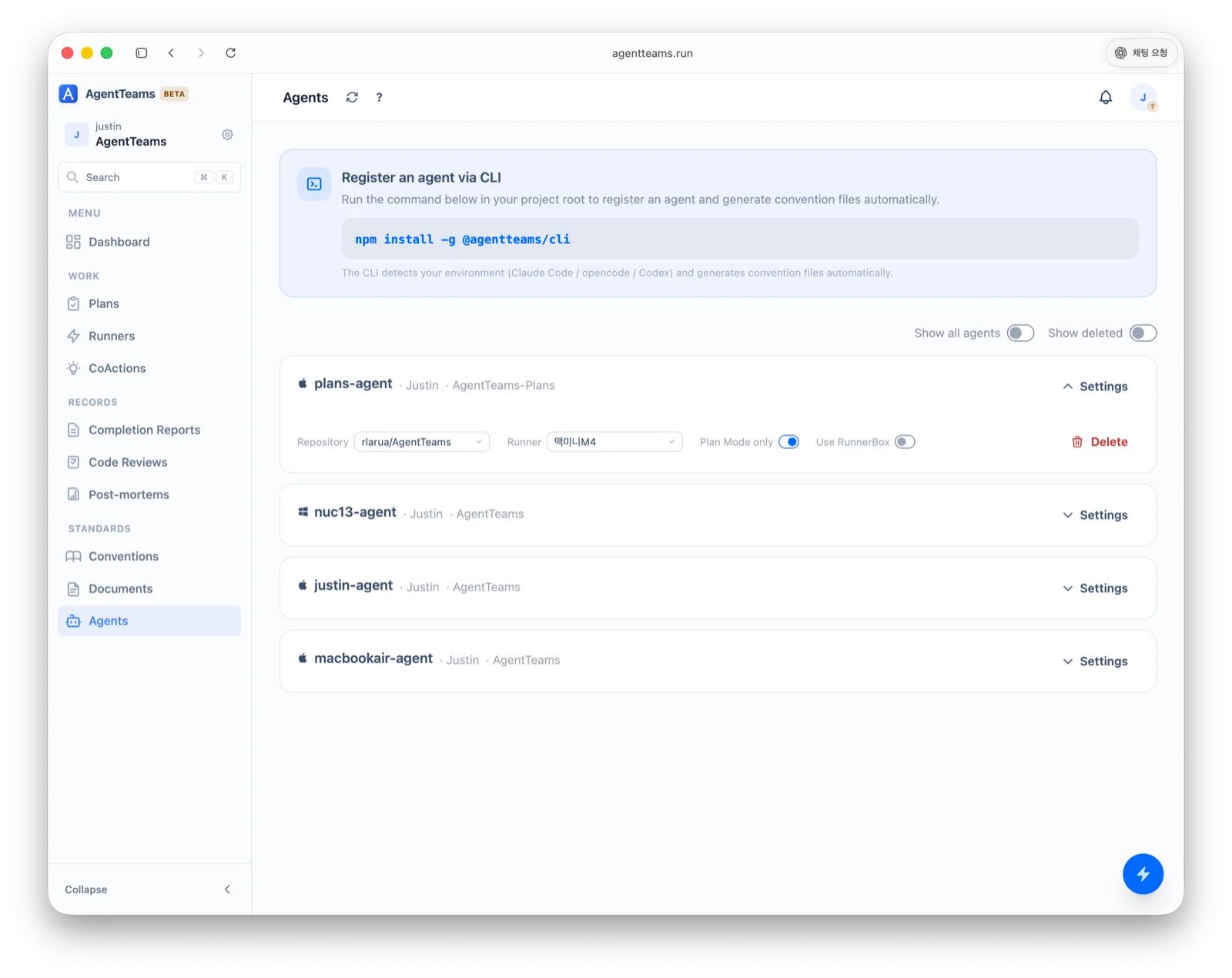
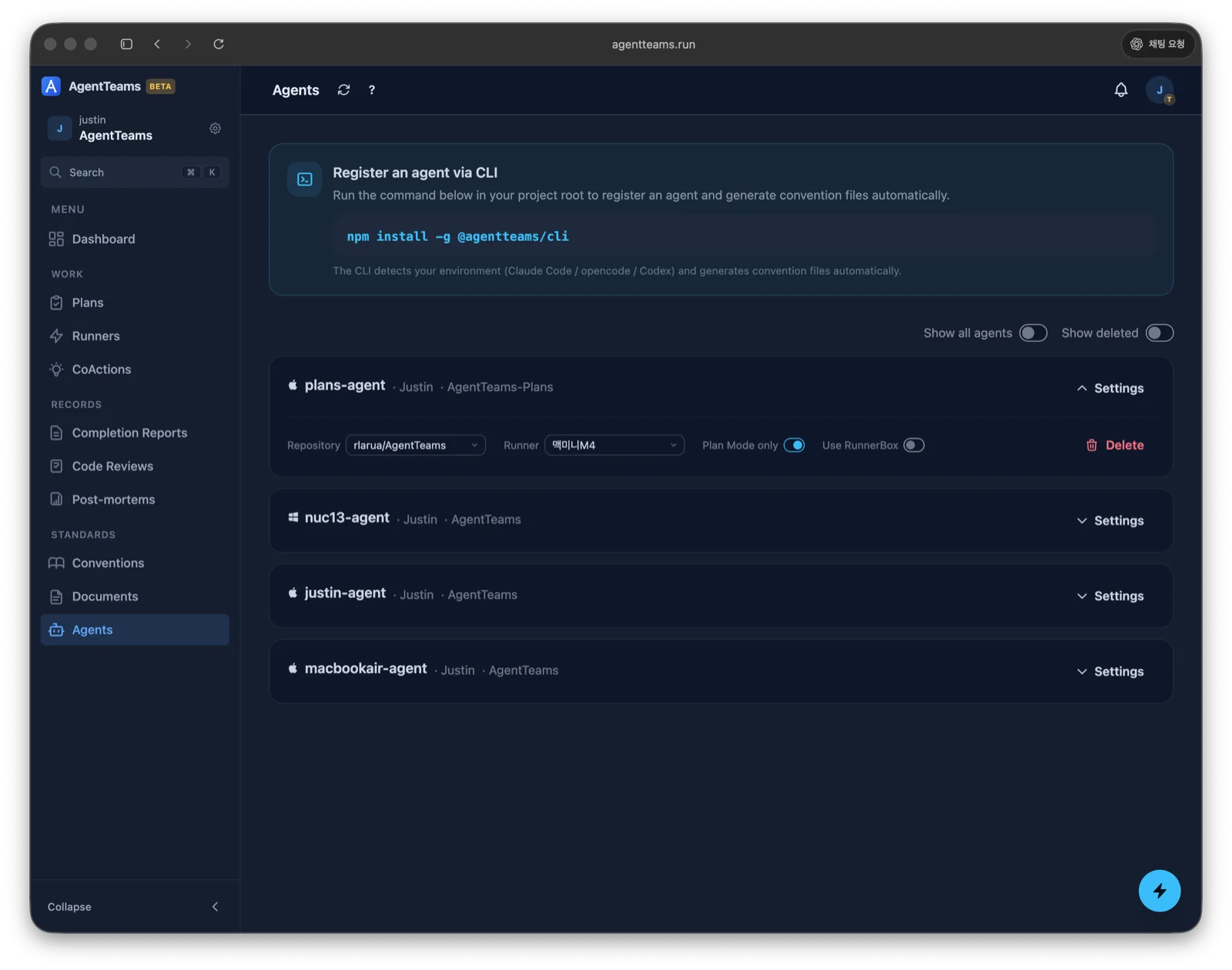
Register an agent
Install and initialize the AgentTeams CLI in your project root to register an agent. The CLI detects your environment (Claude Code · OpenCode · Codex) and generates convention files automatically.
npm install -g @agentteams/cli
agentteams init
See CLI Installation for the init flow and Supported AI Agents for per-agent convention files.
Per-agent settings
Configure each agent from its Settings:
| Setting | Description |
|---|---|
| Runner | The runner that executes the agent’s requests |
| Plan Mode only | Operate in plan mode only (planning-focused) |
| Use RunnerBox | Use a RunnerBox (isolated workspace) for runner requests |
Manage agents
- Show all agents — show every agent in the project, not just yours
- Show deleted — include deleted agents
- Delete — remove an agent. Work history is preserved.
Last updated on